

Download Hola Unlimited Free VPN – Free, Secure, Fast Streaming VPN
Overview
Hola Unlimited Free VPN is a peer‑to‑peer (P2P) based privacy tool that lets you bypass regional restrictions and unlock blocked content with a single click. Designed for casual browsers, streamers, and travelers, Hola offers a clean, user‑friendly interface that works across Windows, macOS, Android, iOS, and popular browsers like Chrome and Firefox. By routing your traffic through other Hola users’ devices, the app can disguise your true IP address and make it appear as though you are browsing from a different country.
This makes it possible to watch Netflix, Amazon Prime Video, Disney+, or Reddit HD communities that would otherwise be geo‑blocked. While the free tier provides basic anonymity and encryption, Hola also offers a paid “Premium” plan with dedicated servers, higher speeds, and priority support. The app claims a strict no‑log policy, meaning your browsing history is not stored on Hola’s servers.
However, because the network relies on shared bandwidth, you may notice slower performance during peak hours. Despite occasional speed hiccups and past concerns about data safety, Hola remains a popular choice for users who need a quick, free solution to access global content without installing complex software.
Key Features of Hola Unlimited Free VPN
- Peer‑to‑Peer Network: Routes traffic through other users for free access to global servers.
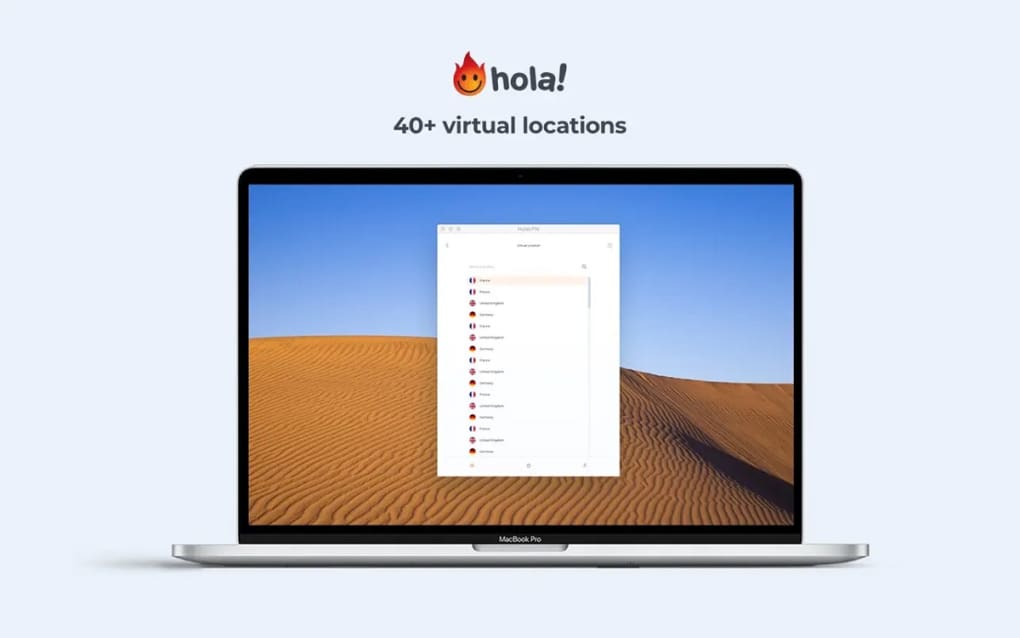
- One‑Click Country Selection: Choose from dozens of countries or let Hola auto‑select the fastest node.
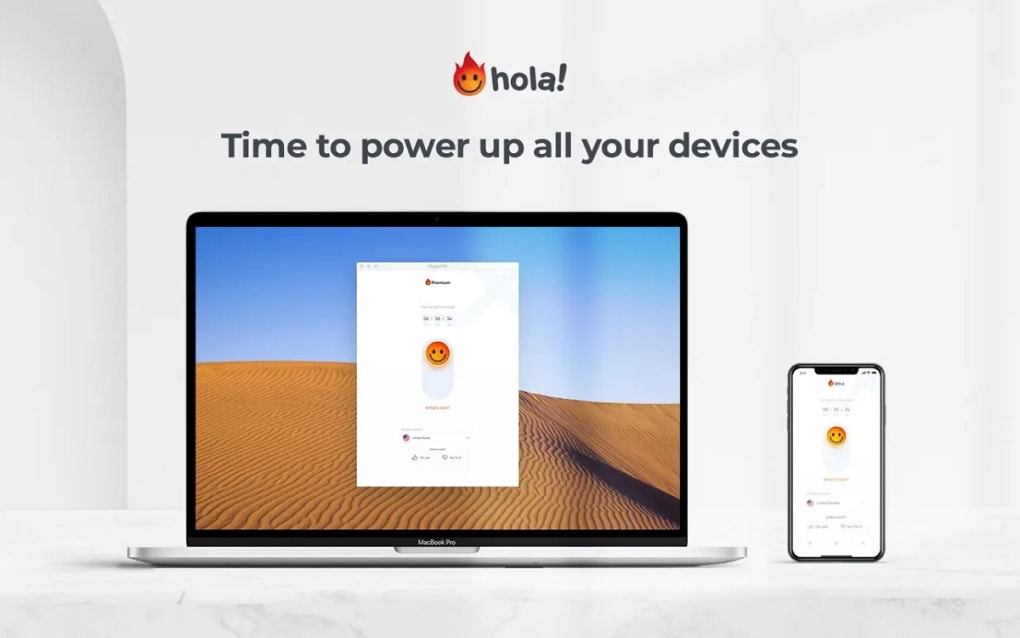
- Cross‑Platform Compatibility: Available for Windows, macOS, Android, iOS, and major web browsers.
- Encryption & Security: AES‑256 encryption protects data on public Wi‑Fi and hides browsing activity.
- No‑Log Policy: Claims not to retain user activity logs, enhancing privacy.
- Premium Upgrade: Offers dedicated servers, higher bandwidth, and faster streaming for a monthly fee.
- Unlimited Bandwidth (Free Tier): No data caps, allowing unrestricted streaming and browsing.
- Easy Installation: Simple installer with an intuitive UI that requires no technical knowledge.
Installation & Usage Instructions
Getting started with Hola Unlimited Free VPN is straightforward. First, visit the official Hola website or your device’s app store and click the “Download” button that matches your operating system. For Windows and macOS, the installer will be an .exe or .dmg file.
Run the installer, accept the license agreement, and follow the on‑screen prompts. The process typically takes less than two minutes. Once installed, launch the app and you’ll be greeted by a minimalist dashboard displaying your current IP location and a list of available countries.
To connect, simply click on a country flag or press the “Auto‑Select” button. Hola will automatically negotiate the best peer node and establish a secure tunnel. The connection status lights up green, indicating that your traffic is now encrypted and routed through the selected location. For streaming, you may want to select a server close to the content provider’s region—e.g., a US node for Netflix US catalog. If you experience buffering, try switching to a different country or enabling the “Premium” mode, which forces the use of dedicated servers.
The app also offers a browser extension that works without a full‑desktop client. After installing the extension, you can toggle the VPN on or off directly from the toolbar. For mobile users, the Android and iOS apps follow the same one‑tap connection model, with additional settings for “Always‑On VPN” and “Split Tunneling” to route only selected apps through Hola while leaving others on your native network.
Updating Hola is hassle‑free. The application checks for new versions at startup and prompts you to download the latest release, which often includes performance improvements and security patches. Keeping the app up‑to‑date is essential, especially given the evolving nature of internet censorship and streaming service geo‑blocks.
Compatibility and System Requirements
Hola Unlimited Free VPN is built to run on a wide range of devices and operating systems. The official client supports:
- Windows 7, 8, 8.1, 10, and 11 (64‑bit recommended)
- macOS 10.12 Sierra and later
- Android 5.0 Lollipop and above
- iOS 11.0 and later (iPhone, iPad, iPod Touch)
- Chrome, Firefox, Edge, and Opera browser extensions for Windows, macOS, and Linux
Minimum hardware requirements are modest: a dual‑core processor, 2 GB RAM, and at least 50 MB of free disk space for the desktop client. Because Hola uses a peer‑to‑peer network, it will also consume a small portion of your device’s upload bandwidth when you act as a relay for other users. This can be adjusted in the app’s settings under “Bandwidth Allocation,” allowing you to limit the percentage of your upload speed dedicated to the VPN network.
Hola’s browser extensions work on any recent version of Chrome, Firefox, Edge, or Opera, making it a flexible solution for users who prefer not to install a full client. The mobile apps integrate with the device’s native VPN APIs, ensuring smooth operation even when switching between Wi‑Fi and cellular data.
Pros and Cons of Hola Unlimited Free VPN
Pros
- Completely free tier with unlimited bandwidth.
- One‑click country selection and auto‑connect feature.
- Wide platform support – Windows, macOS, Android, iOS, and browsers.
- AES‑256 encryption and a stated no‑log policy protect privacy.
- Simple, clean UI suitable for non‑technical users.
- Premium upgrade offers dedicated servers for faster streaming.
Cons
- Peer‑to‑peer architecture can slow down speeds during peak usage.
- Security concerns have been raised about sharing bandwidth with unknown users.
- Occasional connection failures with certain streaming services.
- Free version may route traffic through less reliable nodes.
- Limited control over server selection compared to traditional VPNs.
Frequently Asked Questions
Is Hola Unlimited Free VPN really free?
Yes, the basic version of Hola offers unlimited free bandwidth with no monthly subscription, though a paid Premium plan is available for faster speeds and dedicated servers.
How does the peer‑to‑peer network affect my privacy?
Hola encrypts your traffic before it leaves your device, but because your data passes through other users’ machines, there is a theoretical risk of exposure if a peer is compromised. Hola states it does not log user activity, but the P2P model has drawn criticism from security experts.
Can I use Hola to stream Netflix from another country?
Yes, Hola can unblock many Netflix libraries, but free servers may be slower or blocked by Netflix’s VPN detection. Upgrading to Premium improves the likelihood of successful streaming.
Does Hola work on public Wi‑Fi?
Absolutely. Hola encrypts traffic on public Wi‑Fi, protecting you from eavesdropping and man‑in‑the‑middle attacks, though the peer network may be slower on congested networks.
What is the difference between the free and Premium versions?
Premium users get access to dedicated, high‑speed servers, priority bandwidth, and additional security features like split tunneling. The free version relies on shared peers, which can lead to variable speeds.
Conclusion & Final Verdict
Hola Unlimited Free VPN stands out as a user‑friendly, zero‑cost option for anyone looking to bypass geo‑restrictions and protect their browsing on public networks. Its one‑click country selection, broad platform support, and AES‑256 encryption make it an attractive entry‑level VPN for casual users and streamers. However, the peer‑to‑peer architecture means that speed and reliability can fluctuate, especially during high‑traffic periods, and the security model has attracted scrutiny from privacy advocates.
If you need a dependable, high‑speed connection for sensitive work or heavy streaming, the Premium upgrade—or a more traditional VPN service—might be a better fit. For occasional browsing, unlocking regional video libraries, or testing a VPN without commitment, Hola offers a convenient and genuinely free solution. Download Hola Unlimited Free VPN today, try the free tier, and decide whether the simplicity outweighs the potential speed trade‑offs for your everyday internet needs.
Ready to unlock the web? Click the download button below to install Hola Unlimited Free VPN and start streaming without borders.







